Series : Terminology · Part 8 of 9
What is two-factor authentication (2FA)?
Published
In short
Two-factor authentication adds a second check after your password to confirm it's really you.
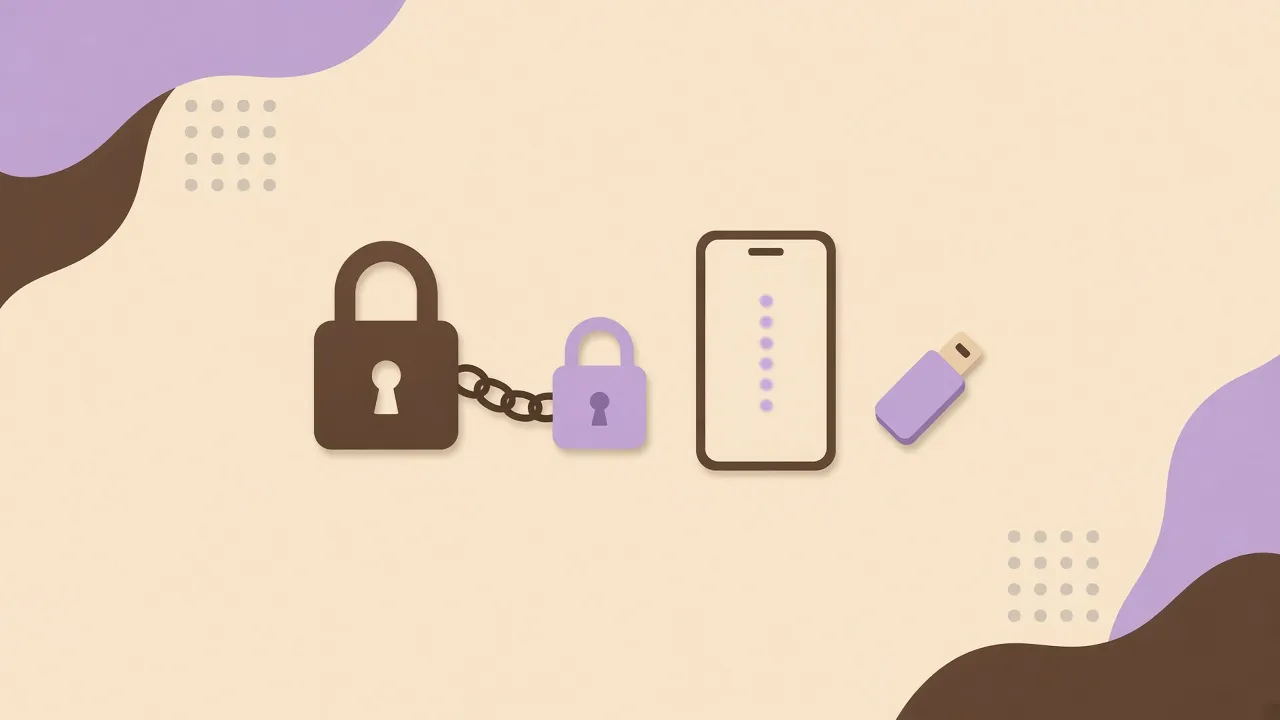
You enter your password.
Then you are asked for a code.
Why two steps?
What is it?
Two-factor authentication (often shortened to 2FA) adds a second check to confirm it’s really you.
The first step is usually your password.
The second might be, for example:
- a code shown in an app on your phone;
- a notification on your phone you approve;
- a physical security key you plug in or tap.
Why?
If someone gets your password:
- without 2FA: they can often sign in as you;
- with 2FA: they still need that second proof.
Your password alone is no longer enough.
Does it matter?
Yes, especially for email, banking, social networks, or online file storage.
It takes a few more seconds.
It’s very useful protection.
To remember
Two-factor authentication asks for two different proofs before letting you in — on top of your password.
Your password is one lock.
2FA adds a second one.