Series : Tools · Part 2 of 2
Automating a small everyday task: where to start?
Published
Pick one repetitive task, write the steps by hand, then automate only what is clear and safe — one thing at a time.
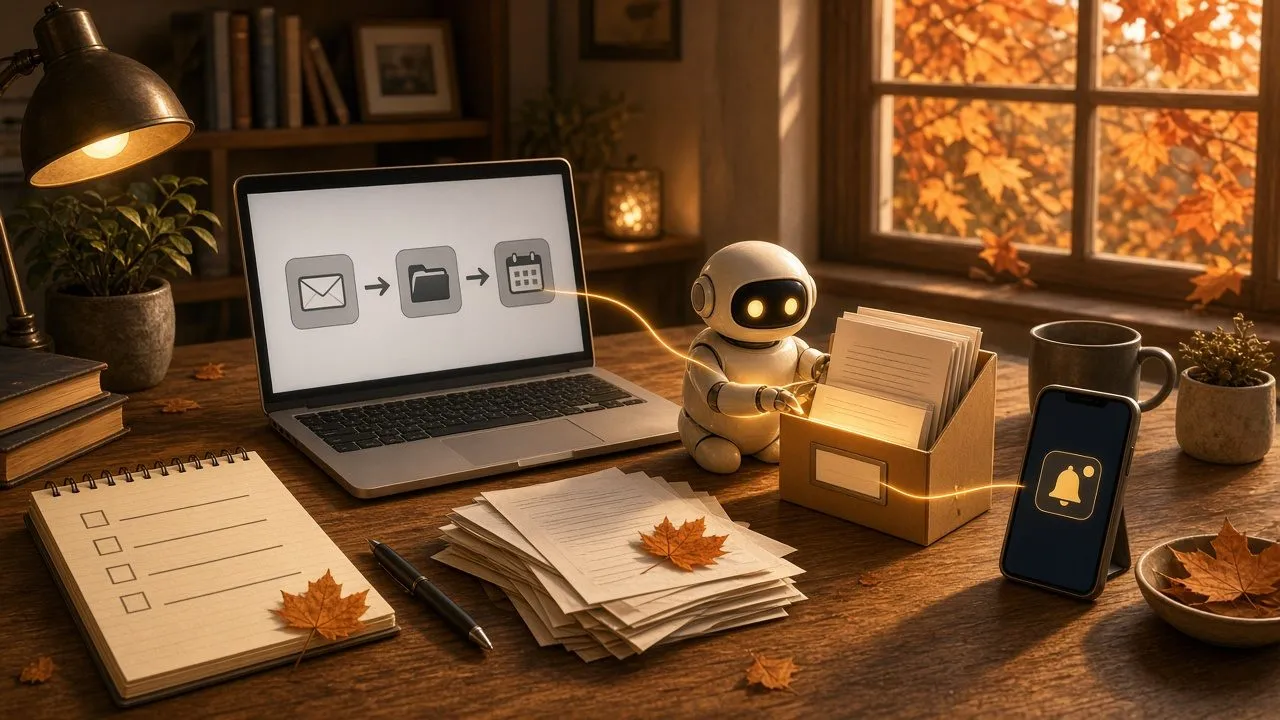
Automating a small everyday task: where to start? ⚙️
Every week, you probably do the same small digital chore.
You move invoices from email into a folder.
You rename photos after a day out.
You copy dates from a message into your calendar.
It doesn’t take long… but it keeps coming back.
And that is exactly the kind of task you can often automate.
🔁 Automating is not the same as organizing
Organizing means deciding what to do and in what order.
Automating means having a clear sequence of steps run for you, so you don’t redo them by hand every time.
If you’re still figuring out what to prioritize today, a task tool (like Trello) helps more.
If you already know exactly what you do every Tuesday evening, automation gets interesting.
🎯 Where to start? One small task
The classic trap: trying to automate everything at once.
Start instead with a task that meets these three criteria:
- You do it often (every day or every week).
- The steps are always the same.
- A mistake wouldn’t be serious (not a payment, not a message to everyone).
Simple examples:
- Move emails from one vendor into a folder.
- Automatically save “invoice” attachments into a cloud folder.
- Create a calendar event from a confirmation email.
- Rename a batch of files with a fixed rule.
- Get a reminder if an expected file never arrives.
One of these tasks is enough to start.
✏️ Step 1: write the recipe by hand
Before you open a tool, grab a sheet of paper (or a note) and write:
- When it starts (an email arrives, a file appears, a set time).
- What to do next (copy, rename, file, notify).
- Where it ends up (folder, calendar, message).
- How you know it’s done.
If you can’t write it in five clear lines, the task isn’t ready to automate yet.
🛠️ Step 2: use what you already have first
Often you don’t need a big system.
Many services already offer simple automations:
- Email rules (Gmail, Outlook) to file or label.
- Shortcuts on your phone to chain two or three actions.
- Synced folders (OneDrive, Google Drive) with a naming convention.
- Forms that fill a spreadsheet automatically.
Try these options first. They’re free, visible, and easy to turn off.
🔌 Step 3: connect two services only if you need to
When a task crosses several apps (email → folder → message), tools that do “if this, then that” can help.
Keep the rule simple:
- One trigger.
- One or two actions.
- A notification if something fails.
Avoid ten-step chains on the first try. The longer it is, the more fragile it gets.
🤖 What about artificial intelligence?
AI can help draft the recipe, explain a file, or suggest a message template.
It’s less reliable when left alone to decide to send an email, pay, or delete files.
A good habit: AI prepares, you approve, then automation runs what is already decided.
⚠️ What not to automate first
Save for later (or never, without a check):
- Sending messages to other people.
- Payments and orders.
- Permanently deleting files.
- Anything that touches passwords or sensitive data.
Start with filing, copying, reminding. Not with “acting for you” without a safety net.
🧪 Test as if it were fragile
Before you trust your automation:
- Run it on a fake example or an old file that doesn’t matter.
- Check the result by hand once or twice.
- Add a small log (a message to yourself) when it works.
- Keep a simple way to stop it.
If you don’t know how to turn it off, it isn’t ready for daily use yet.
🍳 The simple version
Automating means handing a repetitive sequence of steps to a tool, once those steps are clear.
Remember three things:
- Choose one small, frequent, low-risk task.
- Write the recipe by hand before you open a tool.
- Test, watch, and only then let it run on its own.
The best first robot isn’t the smartest one: it’s the one that does one boring thing, correctly, every week.
☁️ luc.cloud — Tech, simply.