How do you stop losing track of your tasks?
Published
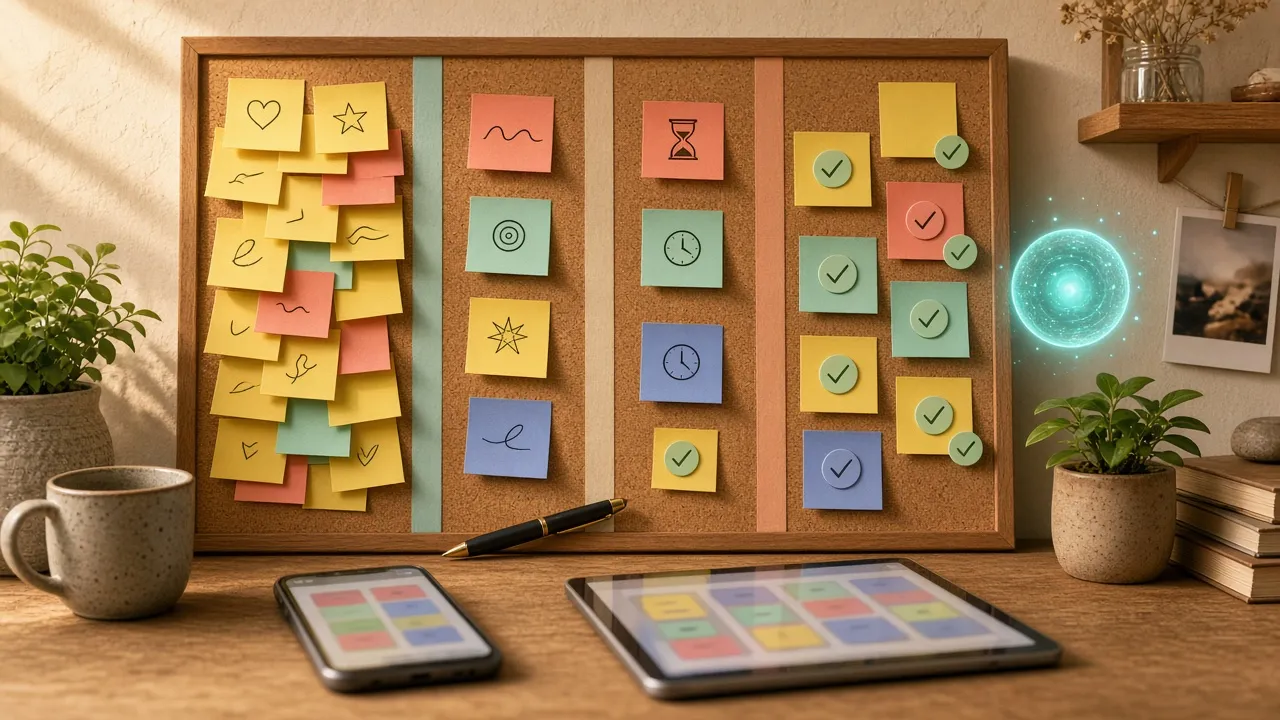
A Kanban board (Trello or similar) with To do, In progress, Waiting, and Done columns keeps your tasks in one place.
How do you stop losing track of your tasks? 📋
One task in an email.
Another in our notes.
Another in our head.
And of course, we end up forgetting some of them.
For me, the solution is very simple: a visual board with all my tasks.
📋 Like a wall covered in Post-its
I use Trello, a tool with a free tier that lets you work with a method called Kanban.
The word sounds complicated, but the idea is very simple.
Picture a big wall of Post-its, split into a few columns:
- To do
- In progress
- Waiting
- Done
Each Post-it is one task.
Starting a task? Move its Post-it to In progress.
Waiting on someone’s reply? Waiting.
Finished? Move it to Done.
Trello does essentially the same thing, but with digital cards.
I’m very visual, so this way of working suits me especially well.
📝 Each card can tell its story
Unlike a plain Post-it, a Trello card can hold much more information.
You can add a description, a date, attachments, and especially comments.
For example, if I move a task to Waiting, I can add:
“Waiting for Pierre’s reply since Tuesday.”
A few days later, I don’t have to try to remember why that task is stuck.
The answer is on the card.
📱 My Post-its follow me everywhere
That’s another advantage I really like.
My board is available on my Mac, iPad, iPhone, or simply on the web.
A new task pops into my head?
I create a card.
Want to see what I need to do today?
I open my board.
My tasks now have a home instead of being scattered everywhere.
🆓 And it’s free
Trello’s free plan already lets you do a lot for personal use.
And Trello is obviously not the only option.
There are several alternatives with a free tier:
- Asana — for managing tasks and projects visually.
- Todoist — more list-oriented and very easy to use.
- Notion — lets you combine notes, documents, and task management.
No need to hunt for the “best” tool.
The best task manager is the one you’ll actually use.
🤖 What about AI?
A little aside.
AI agents love well-organized tools like this.
If an agent can access your task manager, you can eventually ask:
- “What should I do today?”
- “Add this to my tasks.”
- “What’s overdue?”
- “Why is this task on hold?”
The agent can open the card, read the comments, and recover the context.
In my case, Trello is still where my tasks live.
AI just helps me take care of them. 🤖
Takeaways
Trello has essentially become for me a big digital Post-it wall that follows me everywhere.
- To do
- In progress
- Waiting
- Done
Simple, visual, and effective.
Tech, simply.