How to remember everything after an appointment?
Published
Record (with permission), get the transcript in Voice Memos, then ask your AI for the essentials and follow-ups.
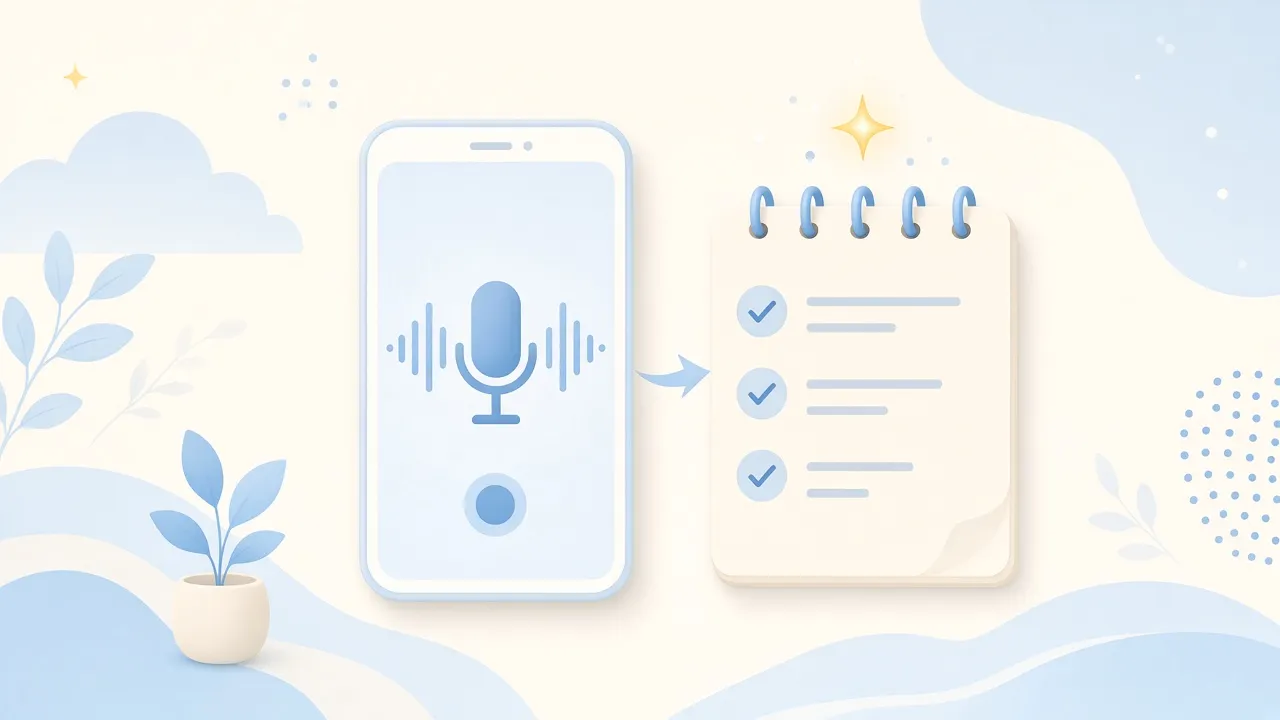
Doctor, vet, garage… You often leave these appointments with a ton of information to remember.
Here’s a very simple trick.
Record
Phone in hand, after asking for permission, start recording.
On iPhone, just use Voice Memos.
Transcribe
Back home:
Voice Memos → Show Transcript → Copy Transcript
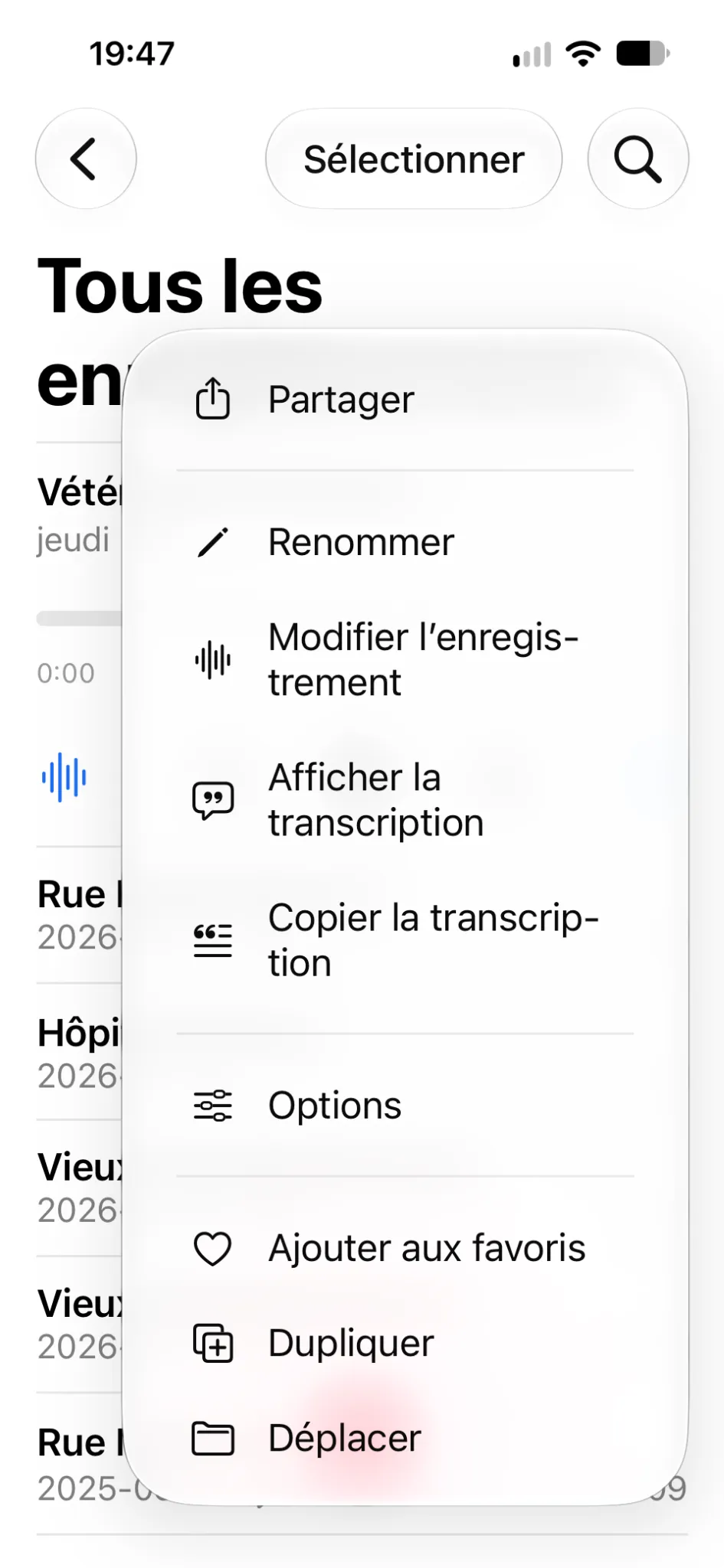
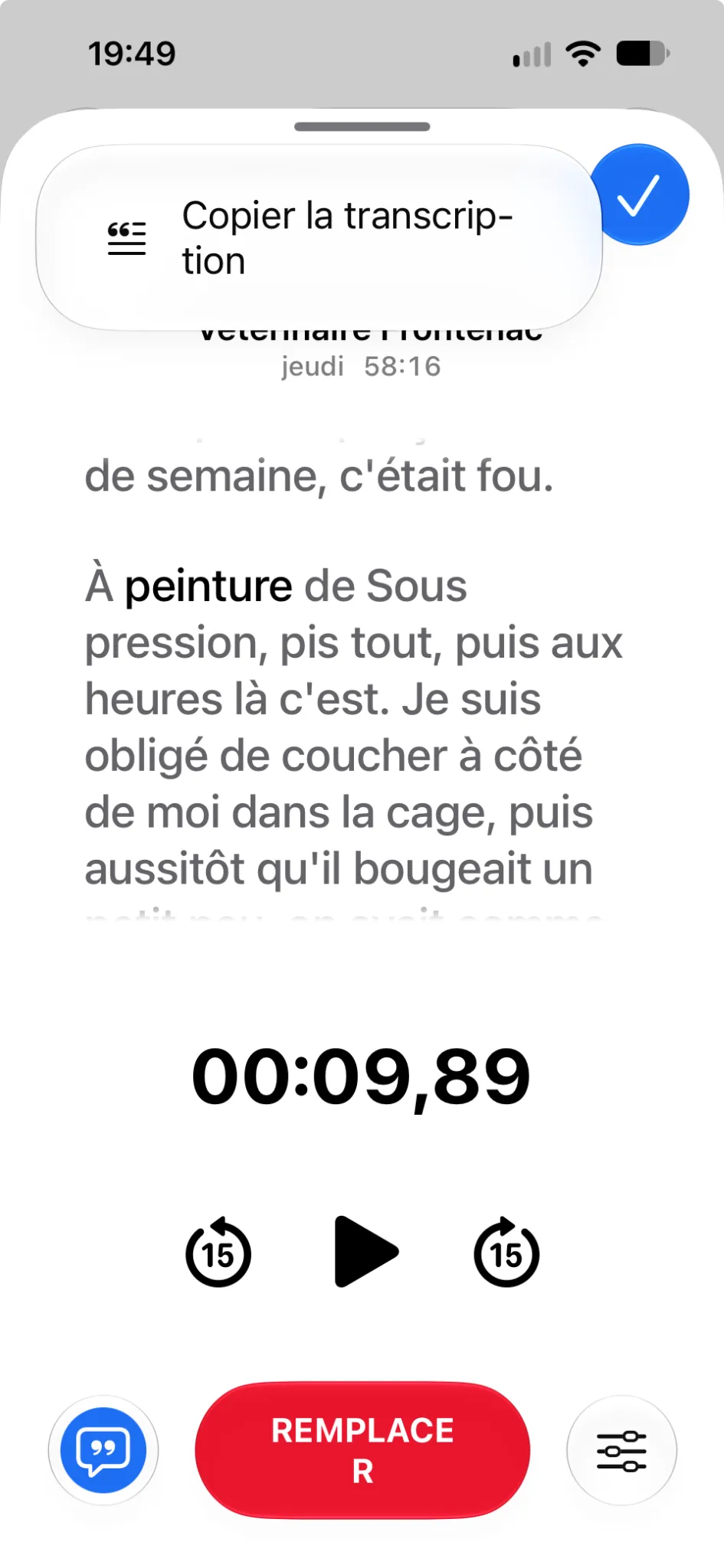
You now have the whole conversation as text.
Hand it to your AI
Paste the transcript into ChatGPT, Gemini, Claude, Copilot, or your preferred tool and ask:
“Here’s the transcript of a vet visit. Pull out the essentials and the follow-ups I need to do.”
That’s it. You have your summary and the things not to forget.
What next?
Depending on the tool and its memory settings, your AI can also remember some information for later.
You might eventually ask:
“For Fido, when is the next vaccine booster due?”
Your AI starts becoming a memory of your everyday life.
For sensitive information, especially medical, check what your AI tool keeps and its privacy policy.